



Open a Bank Islam Account Instantly — Anytime, Anywhere!
No Bank Visits Needed. Download BIMB Mobile & Start Banking in Minutes.



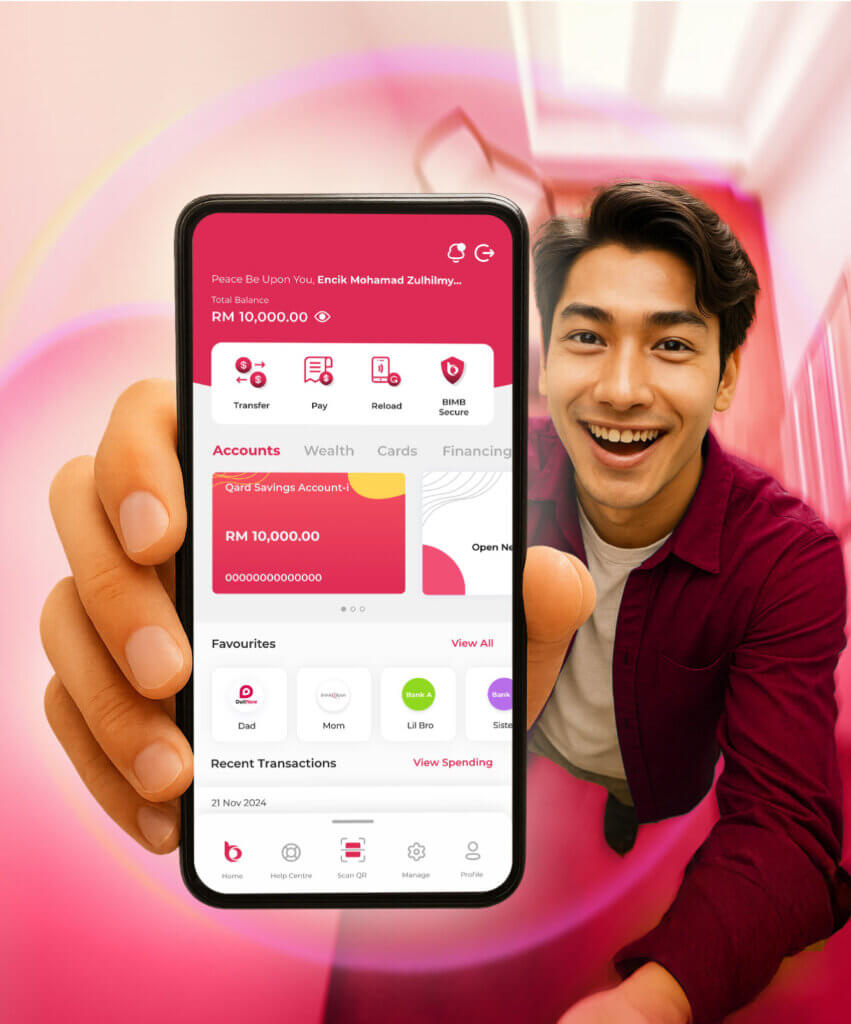
Step-by-Step Guide to Open an Account Online
Scan the QR code to download BIMB Mobile app

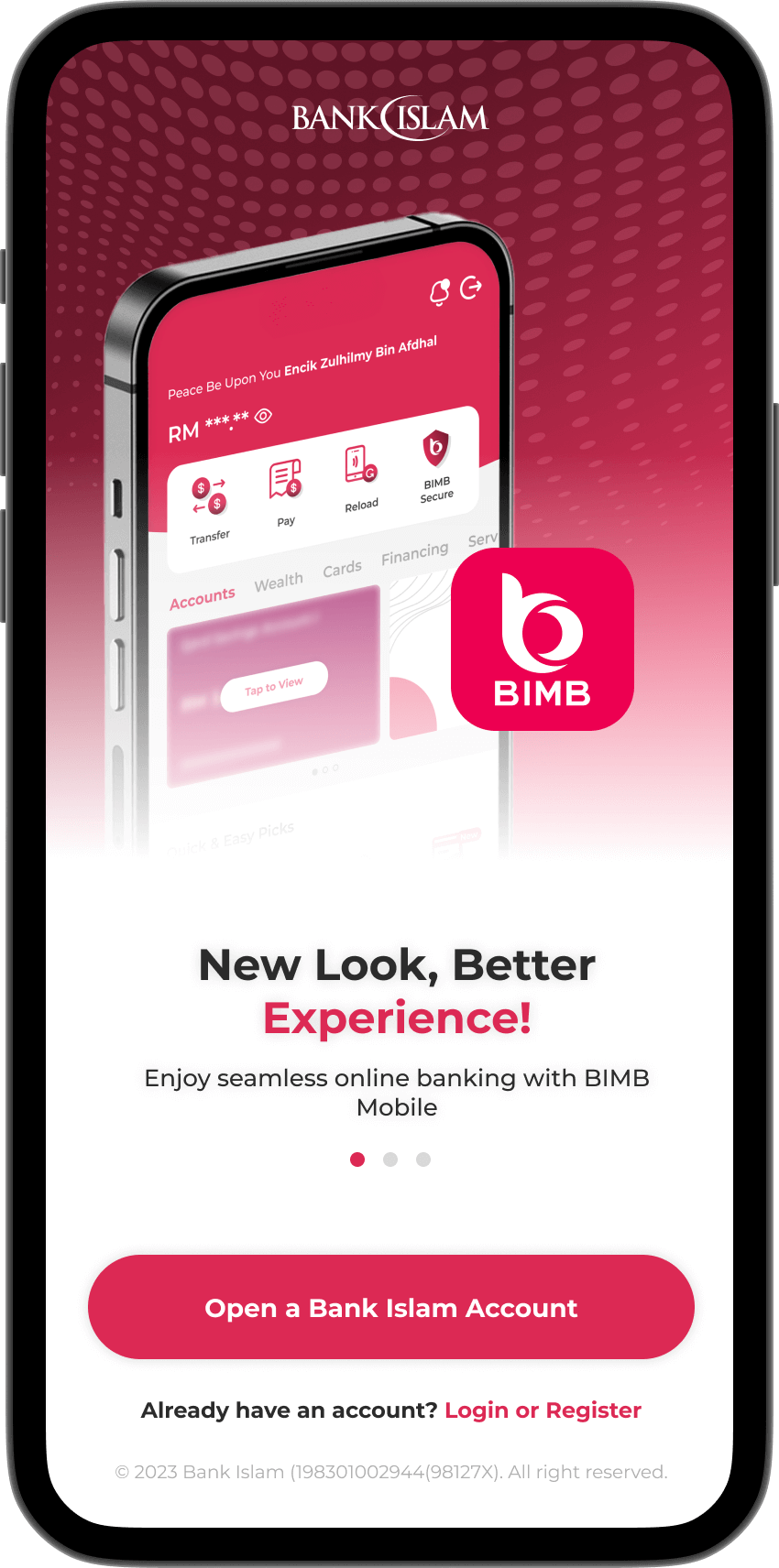
Tap “Open Bank Islam Account”
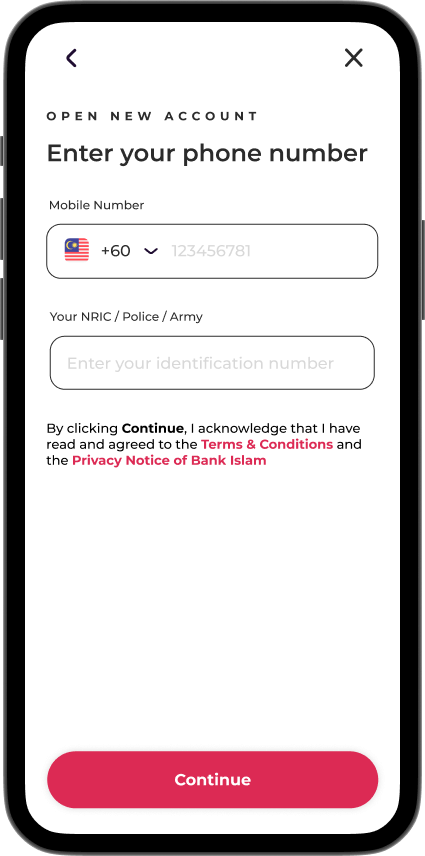
Enter your MyKad number and phone number.
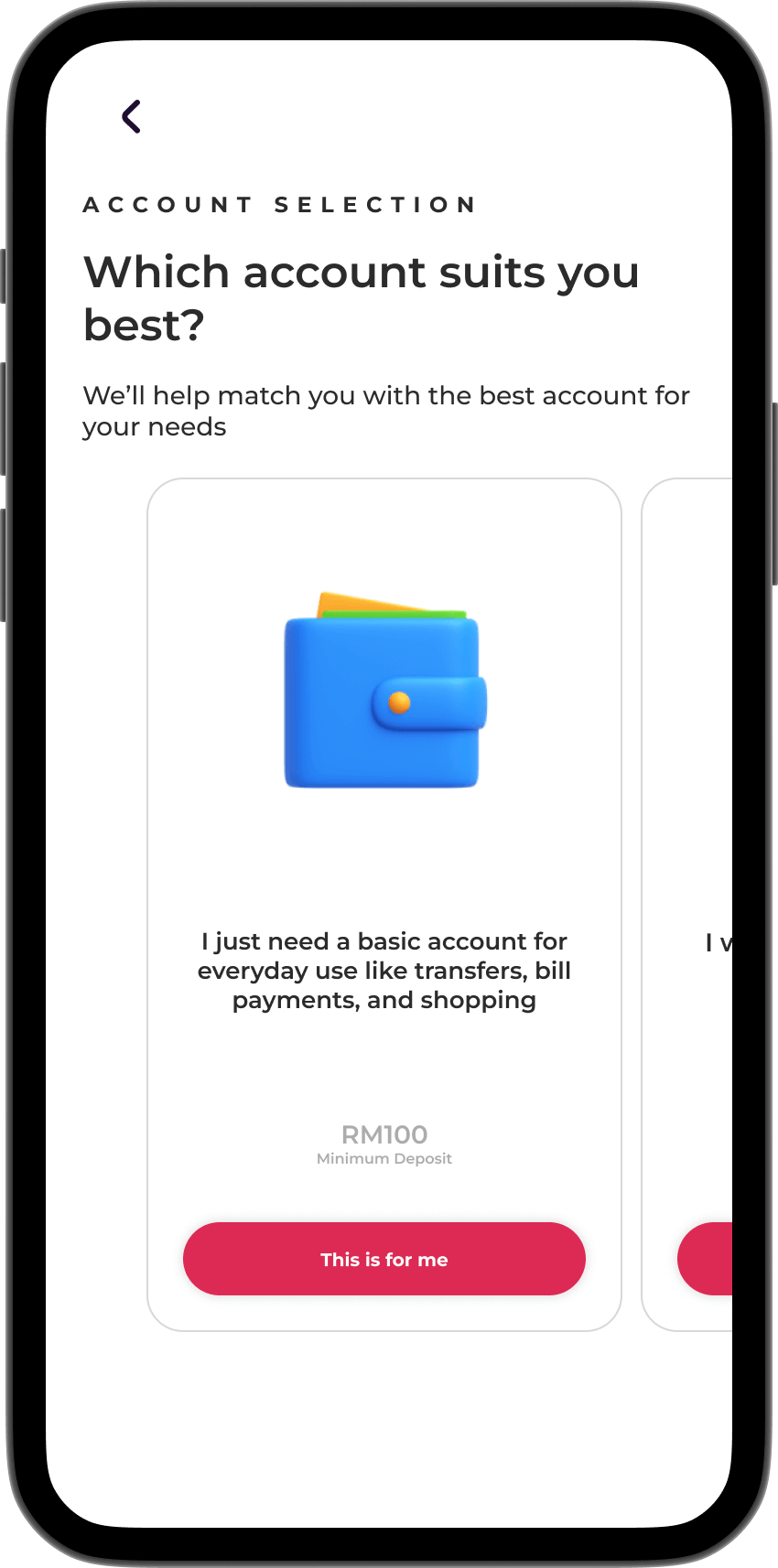
Select the type of Bank Islam account that suits your needs.
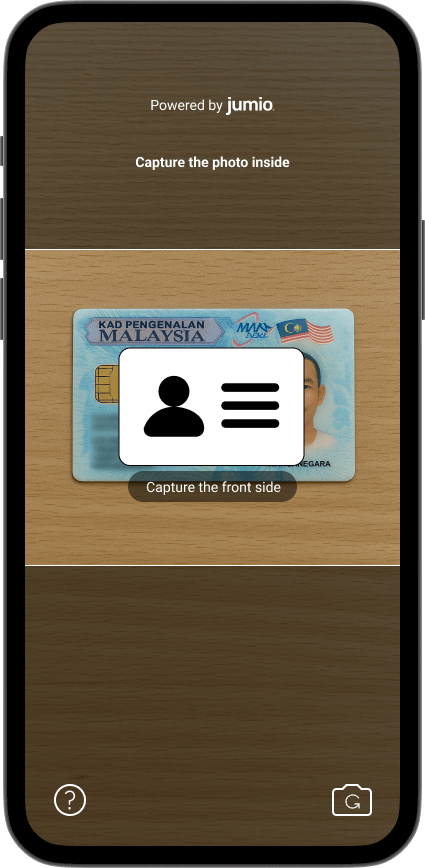
Scan your IC (front and back), followed by a selfie for verification.
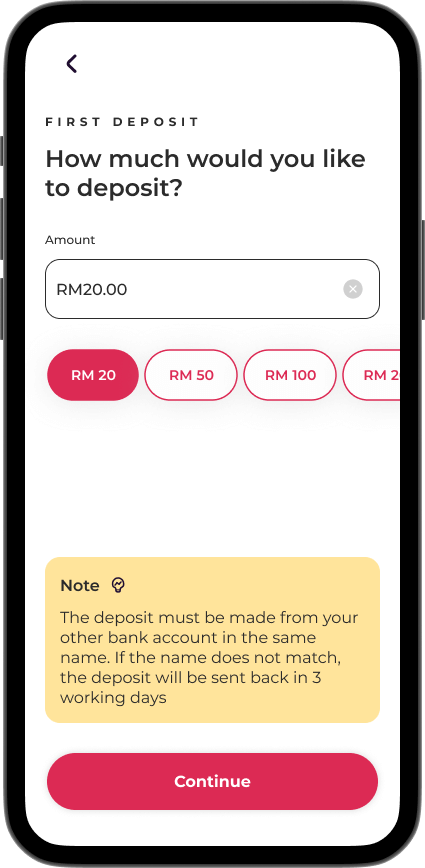
Make your initial deposit easily from any participating bank.
*The deposit must be made from your other bank account in the same name.
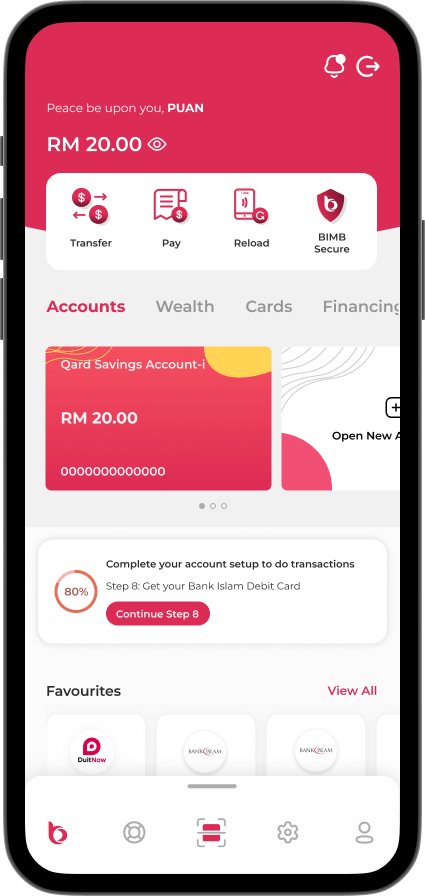
That’s it. Your BIMB Mobile and BIMB Web are now ready to use.
Which account suits me best?
Click on any of the items below to explore.

a big prize!


Ready to open your Bank Islam account online? Download BIMB Mobile now!
Frequently asked questions
To access BIMB Web, you need to register as a user. Please refer to the How to Use section in the Help Centre at https://www.bimb.com/ for the steps to register.
Yes, you can access Individual and Joint Accounts through BIMB Web, which can be obtained via https://www.bankislam.com/.
However, to access your Sole Proprietor Account, you must:
- Apply for a separate Bank Islam Debit Card-i linked to the Sole Proprietor Account, and
- Register separately for BIMB Web access using that card.
To ensure seamless and secure experience when using BIMB Web, we recommend the following minimum system and browser requirements:
- Minimum Browser Requirements
BIMB Web is supported on the following browsers:
- Google Chrome: Version 29 and above.
- Mozilla Firefox: Version 27 and above.
- Microsoft Edge: Version 12 and above.
- Apple Safari: Version 7 and above (for macOS and iOS users).
These browsers must support modern web standards and JavaScript.
- Recommended Browsers for Best Viewing Experience
For optimal performance and compatibility, it is highly recommended to use the latest versions of:
- Google Chrome
- Microsoft Edge
- Minimum System Requirements
- Desktop/Laptop:
- Operating System: Windows 10 or macOS Catalina and above.
- Browser: Any of the supported browsers listed above.
- Individual accounts
- Joint accounts - your ability to make transfers is subject to the joint account mandate
- Trust accounts - access is currently limited to Primary Account Holder (parent or guardian); beneficiary access will be enabled in the future
- Sole Proprietorship accounts