



Your one-stop platform for internet banking and all your financial needs. Explore the all-new BIMB Web.
Get ready for a whole new banking experience.
New UI UX

Navigate faster to what you need.
Better Navigation

Experience faster load times and smoother transitions, making your banking more efficient.
Enhanced features

More tools at your fingertips
How to switch to our new BIMB Mobile?
Meet Your Financial Companion - Simplify Your Banking with BIMB
Experience effortless banking with BIMB—where managing your finances is as easy as a tap. Our app is tailored to fit your unique needs, making every transaction a step closer to your financial goals. Download now, and let's take the journey to financial freedom together.

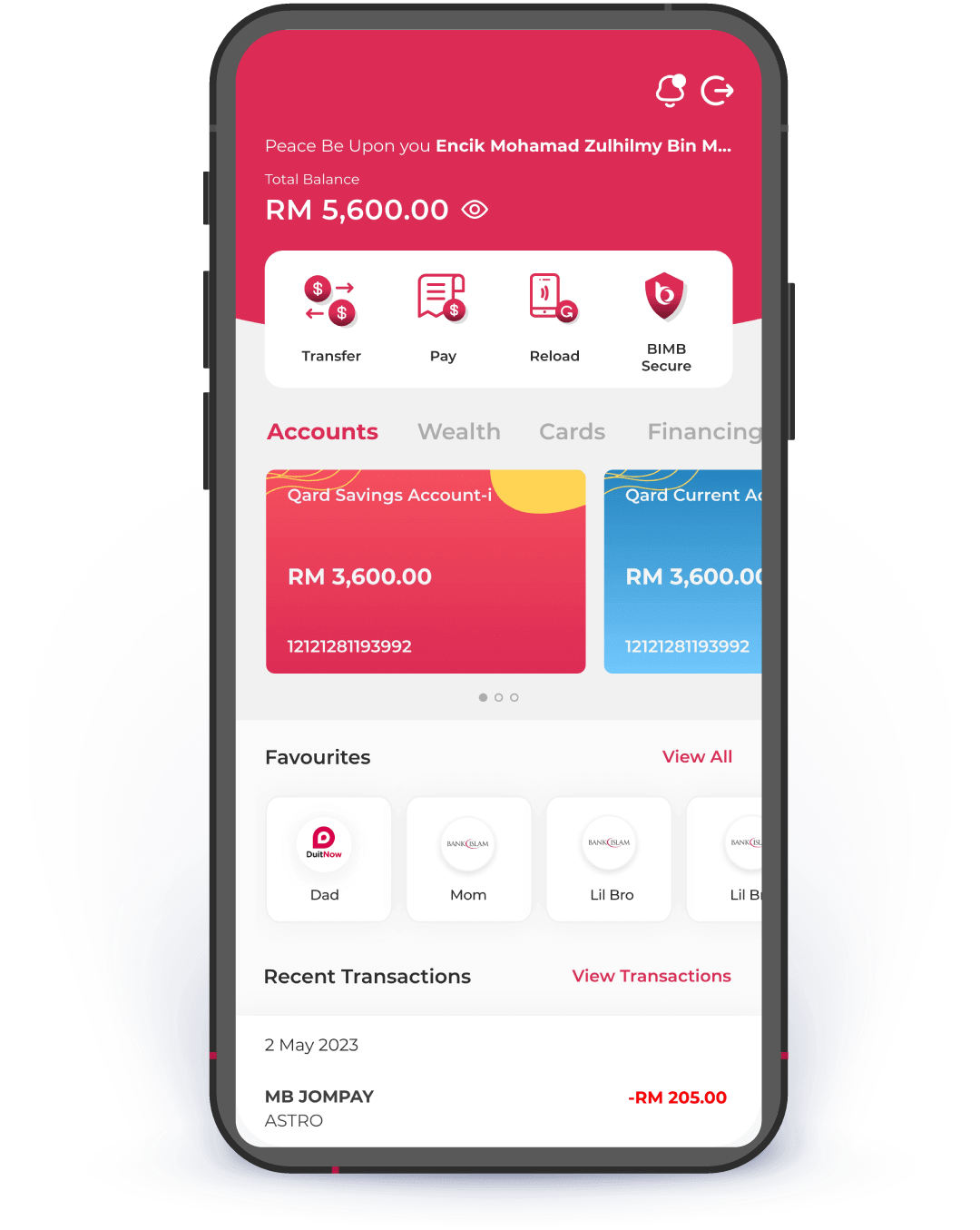
Here's what you need to know before switching to BIMB

Your favourites will automatically move to the new BIMB.

All recurring & future dated transactions will not be transferred.

Once you switch, you will no longer have access to the previous Bank Islam Internet Banking.
Frequently Asked Questions
Switching to BIMB Mobile & BIMB Web
⬤
What is BIMB Secure?
BIMB Secure is an authentication method to authorise transactions initiated from BIMB Mobile and BIMB Web.
⬤
Do I need to register for BIMB Secure?
No. It will be activated automatically after your first-time setup of BIMB Mobile.
⬤
How should I authorise the transaction that I have performed through BIMB Web
To authorise a transaction using BIMB Secure, follow these steps:
- Launch the BIMB Mobile app
- Select Quick Menu
- Select ‘BIMB Secure’
- Verify the transaction details
- Once verified, select ‘Authorise’
- The authorisation process is now complete
BIMB Mobile Account Setup
⬤
What is BIMB Secure?
BIMB Secure is an authentication method to authorise transactions initiated from BIMB Mobile and BIMB Web.
⬤
Do I need to register for BIMB Secure?
No. It will be activated automatically after your first-time setup of BIMB Mobile.
⬤
How should I authorise the transaction that I have performed through BIMB Web
To authorise a transaction using BIMB Secure, follow these steps:
- Launch the BIMB Mobile app
- Select Quick Menu
- Select ‘BIMB Secure’
- Verify the transaction details
- Once verified, select ‘Authorise’
- The authorisation process is now complete
BIMB Web Account Setup
⬤
What is BIMB Secure?
BIMB Secure is an authentication method to authorise transactions initiated from BIMB Mobile and BIMB Web.
⬤
Do I need to register for BIMB Secure?
No. It will be activated automatically after your first-time setup of BIMB Mobile.
⬤
How should I authorise the transaction that I have performed through BIMB Web
To authorise a transaction using BIMB Secure, follow these steps:
- Launch the BIMB Mobile app
- Select Quick Menu
- Select ‘BIMB Secure’
- Verify the transaction details
- Once verified, select ‘Authorise’
- The authorisation process is now complete

Download
BIMB Mobile